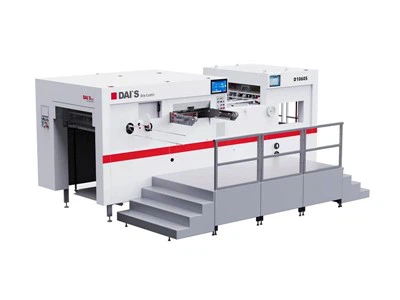
Paper cutters are relatively easy to operate and have low environmental requirements. They can usually be operated from a standard office power supply. Most paper cutters have an automatic on/off system; simply insert paper into the input, and the cutter will automatically rotate and shred the paper. Some paper cutters require pressing a start button, which will then activate the cutter and allow it to continue cutting. After shredding, press the stop/reverse button to stop the cutter.
Before shredding, check the documents for hard objects such as paper clips or staples. If any are found, remove them before inserting the paper into the feed slot, as these may damage the blades. When using a paper cutter, avoid feeding too much paper at once, especially high-quality paper, to prevent paper jams. When inserting paper, avoid tilting it, and center narrower sheets of paper in the feed slot.
For older models, if a paper jam occurs, press the reverse or stop button to resume shredding. Most paper cutters are equipped with overload protection devices that automatically shut down when the motor overheats due to overload. In this case, the machine should be stopped for 20-30 minutes to allow the motor to cool down. When using it again, consider reducing the amount of paper fed in. More advanced paper cutters will automatically stop and unload paper when overloaded, making them more convenient to use. Some machines will even emit a sound when the machine is full to remind users to remove paper scraps.